ვიდეო გადაღება, ფოტო გადაღება, დრონით გადაღება

PHOTOGRAPHY TRAINING, VIDEO SHOOTING TRAINING.
PHOTO AND VIDEO EDITING.
DRONE CONTROL TRAINING.
SHOT PROJECTS
SHOT VIDEOS & PHOTOS
TYPES OF SHOOTING:
EXPERIENCE
The experienced photographer has been working since 2017 year. The first commercial video was shot in 2018 year.
Thanks to many years of work in various areas of filming, such as:
events, advertising, individual, studio etc., a lot of experience has been accumulated, as a result of which a study program was created, according to which it is conducted.
Each direction of filming, for example: events, interiors, product shooting, has its own specifics that require completely different equipment and camera settings. You can study all this on the shooting, editing and drone control courses.
You are also given the opportunity to get very important practice – on a real shooting project as an intern, assistant or second photographer/videographer:
– at an event
– in the studio
– individual
– advertising shooting
and others,
which will train you in real conditions, with moderate necessary stress. Such practice will teach you and fix the knowledge in your mind much better and will help you remember the rules of shooting, than just theory.
After completing the course, you will learn:
- Exposure (lighting) management
- Camera settings
- Creating a composition
- Creating a light-shadow painting
- Working with lighting and modifiers
After completing the full course of training, a certificate with a stamp will be issued.
სწავლის პროგრამა
I. Filming Techniques
II. Artistic Part
III. Image editing in Photoshop, Camera RAW and/or Video editing in Premiere PRO.
I. Shooting techniques
1. Aperture
1.1. What aperture settings should be set for portraits, events, landscapes, objects and other objects?
2. Shutter
2.1. What settings should be set in different scenes
2.2. Why do we need a short and long shutter speed?
2.3. Working with a tripod and stabilizer
3. ISO
3.1. Minimum and maximum
3.2. Optimal settings. Native ISO
3.3. Impact on image quality
3.4. Impact on sharpness and color
4. Exposure
5.1. Setting the metering. Types of metering.
5.2. What should the exposure be?
5.3. Working with “-” or “+”
5.4. Specifics of the metering sensor in uneven lighting
5. White Balance (WB)
5.1. Briefly about Kelvin
5.2. Modes: Auto, Incandescent, Flash, Cloudy, Fluorescent, etc.
5.3. Manual setting
5.4. Gray card
6. Frame rate (FPS)
7. Shooting modes
7.1. In what mode to shoot
7.2. M – Manual (manual) mode
7.3. AV (A) – Aperture priority mode
7.4. TV (S) – Shutter priority mode
8. Video file formats, codecs and containers.
8.1. Video format: RAW, MOV, MP4
8.1.2. Codecs: editing, viewing, camera codecs.
8.2. Image format
8.2.1. RAW, PSD, TIFF, PNG, DNG, JPEG
9. Video scanning
9.1. Progressive scanning
9.2. Interlaced scanning
10. Focusing
10.1. Autofocus
10.2. Manual focus
10.3. How to focus correctly
10.4. Minimum focusing distance
10.5. Focal length
10.6. What is the difference between minimum focusing distance and focal length
10.7. Where is the minimum focusing distance measured? The plane of the matrix.
10.8. Which points to use for autofocus
10.9. Characteristics of cross and double cross points
11. Working with flash
11.1. External flash
11.2. Camera flash
11.3 Working with a synchronizer and multiple flashes
12. Working with continuous lighting
12.1. Working with reflected light
12..2 Light modifiers: soft box, reflector, diffuser, grid.
13. Types of cameras
13.1. Mirrorless and mirrorless cameras.
13.2. Full-Frame, medium format, large format, crop cameras. Differences.
14. Types of lenses and their purpose
14.1. Fast lenses (“fixes”)
14.2. Zoom lenses
14.3. Wide-angle lenses
14.4. Telephoto lenses
14.5. Macro lenses
14.6. “Fisheye”
14.7. Tiltshift lenses
II. Artistic Part
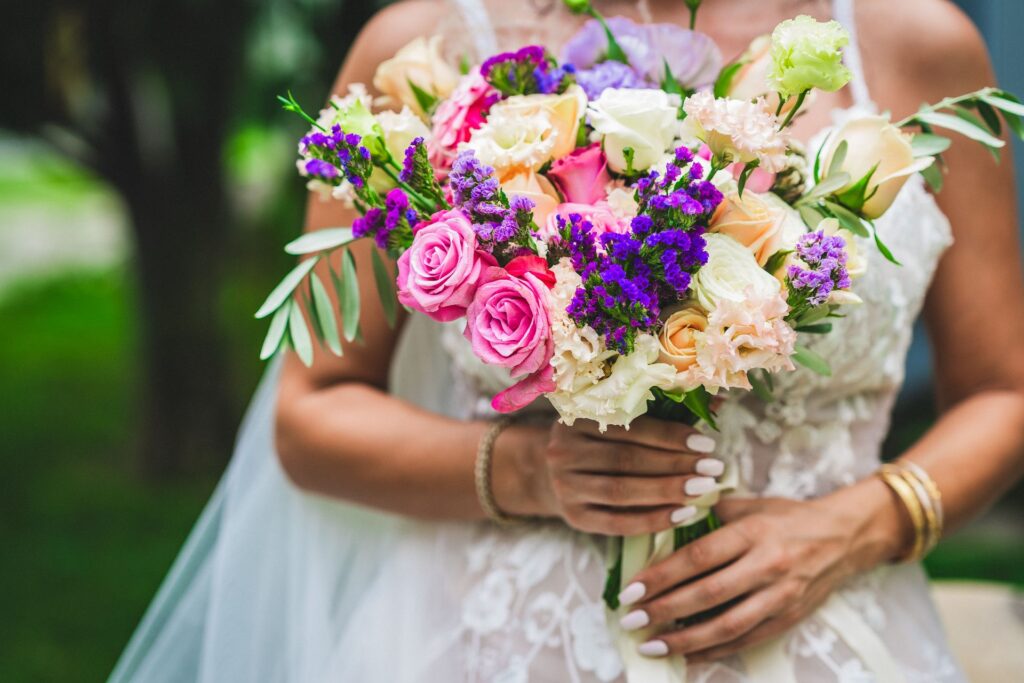
1. Frame composition
2. The rule of the “Golden ratio”
3. The rule of thirds
4. Non-standard frame composition (decentering, etc.)
5. The impact of frame scale on the photo/video
6. Working with object details
7. Depth of field (DOF)
8. Focusing and defocusing
9. Working with frame corners and borders
10. Creating a light-shadow picture
11. Minimalism in the frame
12. Posing
13. Angle (fork)
14. The angle of the object. Required aperture.
III. Photo editing in Adobe Photoshop, Camera RAW.
Video editing in Adobe Premiere PRO.
1. Exposure correction
2. Color grading
3. White balance correction
4. Quick retouching (Neural filters)
5. Professional retouching using the frequency decomposition method
6. Contrast, color, texture, sharpness and more
7. Removing “noise” (grains), shadows, overexposure, chromatic aberrations, distortions
8. Working with layers
9. Working with masks
10. Toning
11. Presets
12. Actions
13. Resolution, color space, file saving.
Course Pricing
Choose the course that suits you
Filming Course
3 days · 4 hours per day
1 500 ₾
Editing / Post-Production Course
3 days · 4 hours per day
1 500 ₾
Internship on a Real Project
7 days
500 ₾